
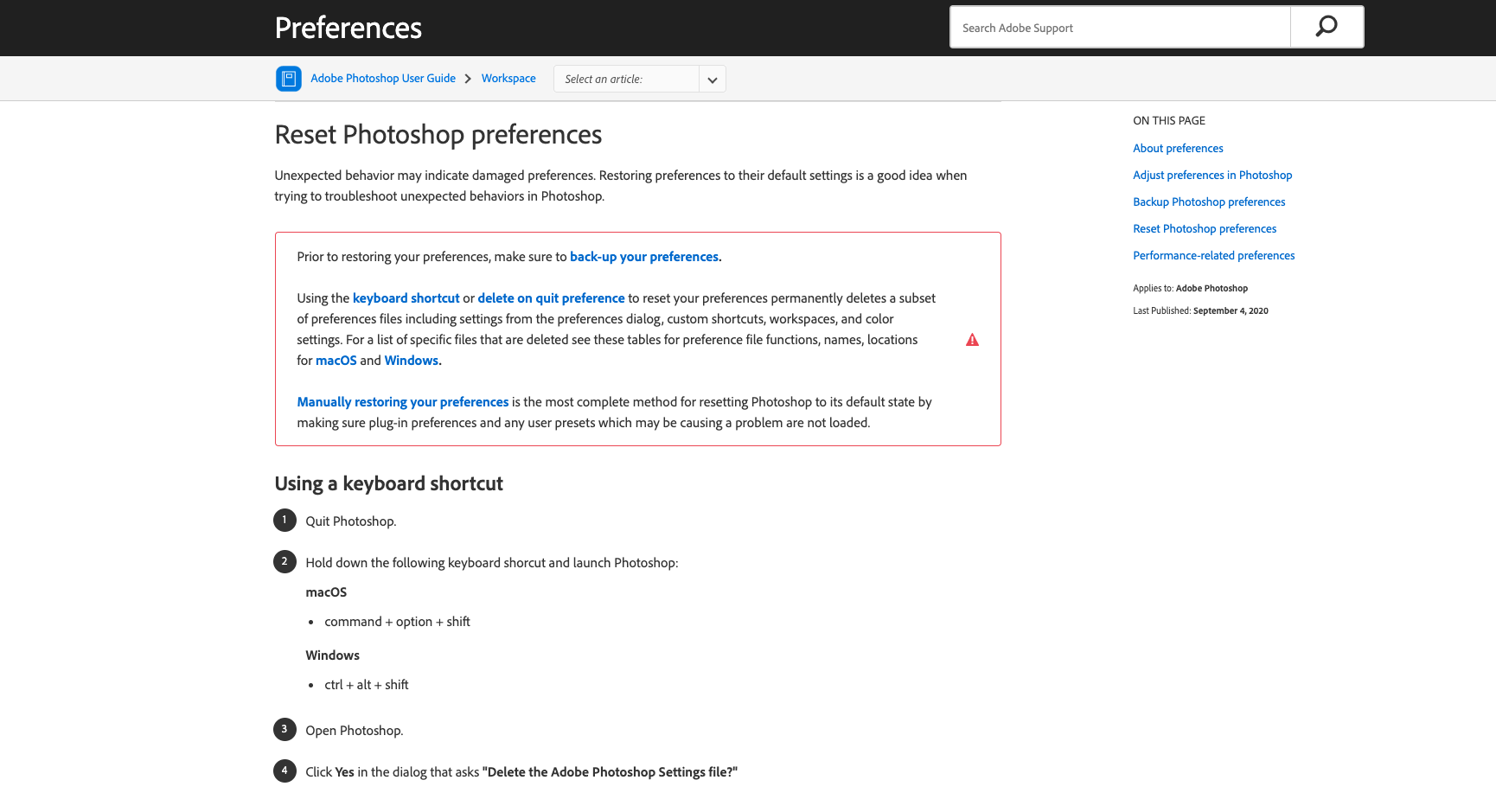
Photoshop will error out and say that it can't open because the scratch disk is full. Sometimes it will let you open a file and start to edit it and then present the error message. Many time this is due to low disk drive space. You will need to look at your user folder (Desktop, Documents, Downloads, Photos, Movies, and Music) and move them to Google Drive or delete them entirely. If you have already done this and you are still getting this error message it may be a corrupt preference setting. To reset your Photoshop Preferences, check out the picture below.
Comments
0 comments
Article is closed for comments.